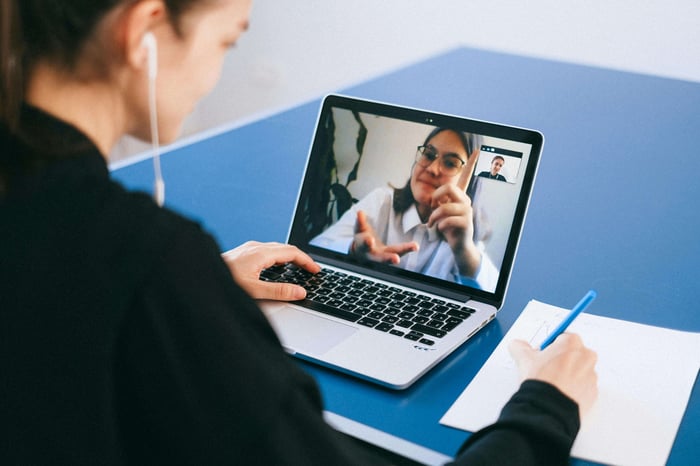
With the global shift towards online activities, you may now offer therapy over the internet to clients. This can offer many benefits, such as more convenience and flexibility. It also means you may face certain technological challenges. Here are some tech tips to help you navigate the new landscape effectively.
Check your internet connection
There is nothing more distressing than trying to have a conversation with a poor WiFi connection. This can result in delays, awkward pauses, and distorted audio or video. You can avoid this if you check your connection before a call. A stable internet connection is crucial for a successful online session.
What is the best WiFi channel for your home office? Two WiFi frequency bands, 2.4 GHz and 5 GHz, are each divided into multiple channels or lanes. The WiFi channel is the frequency at which the router sends and receives signals. Choosing the best WiFi channel can improve your network coverage and performance. The best WiFi channel for you will depend on the age of your device, whether you need broad coverage and the speed you need. The best 5GHz channel offers high-speed internet. Scanning your network with WiFi analyzer apps can tell you which channels are least busy.
Select quality video conferencing software
There is a huge variety of video conferencing tools available today. Conducting therapy over Zoom may be the answer as it is reliable and user-friendly. Skype and Google Meet are other popular options. Whichever software you choose to use, test it out first before having a session with a client. You can call a family member or friend to make sure it’s working properly.
Use a quality webcam and microphone
Investing in a good-quality webcam and mic can enhance the audio and visual quality of your session. They can ensure that your clients can see and hear you clearly and vice versa. Before a session, you should test the camera and mic settings.
Positioning yourself correctly on camera ensures you have the right body angle and proper distances when speaking to a client. Looking into the camera while speaking can mimic the type of eye contact you have when speaking in person.
Ensure privacy
One of the difficulties when having sessions with clients from your own home is how to get privacy during online therapy.
If you use a private room in your home where other family members may hear you, wearing headphones with a built-in mic may be necessary. It is close to your mouth when you talk which can prevent others from overhearing.
Some clients may prefer to have audio calls without video as this offers them more privacy. You can accommodate them by switching off video for an online therapy session so they feel more comfortable.
Make sure your device is connected to a private, password-protected Wi-Fi network. The privacy of your client’s confidential information is at stake. You can’t afford to violate privacy laws or it could ruin your reputation.

Find a quiet space
Interruptions from a family member or even a pet moving in the background can distract your client. Turn on Silent mode on your devices to avoid disruptions. Any distractions can interrupt the flow of conversation and are disrespectful to clients who pay for your services.
Using a quiet, soundproof space can combat some of the challenges that come with virtual communication. It will allow you to focus on the therapeutic journey rather than having to deal with distractions. A supportive, quiet environment inspires trust and allows patients to let down their guard. In this line of work, privacy matters a lot so ensuring that there are no concerns for the client should be a priority.
Encouraging clients to write notes during therapy and review them afterward can help them to work through their emotions. They can use between sessions resources like this to reinforce what they learn about themselves.
Use a suitable background
The background during a video call can either distract from a therapy session or enhance it. One of the benefits of online therapy is that Zoom has virtual backgrounds you can use. You need to choose a background that’s conducive to therapy and creates a sense of calmness. You can create an environment during a video call that can have the same effect as a physical therapy room where you see a client in person.
Conclusion
Technology provides you with a way to conduct online therapy but it can also bring certain challenges your way. When you first switch to online therapy sessions you may have various issues, you need to iron out. An important step is to make sure you have a good internet connection. It is also important to use the right software, tools, and equipment. This ensures that you and your client can communicate clearly and privately. Finding a quiet space and choosing a suitable background can help to create the right atmosphere for virtual therapy.